
Plugins are debt.
The real cost of WordPress add-ons.
A plugin installs in a click and bills you for years, in load time, in security patches, and in the update everyone is scared to press. Here is how that debt builds, when it is worth carrying, and how we pay it down.
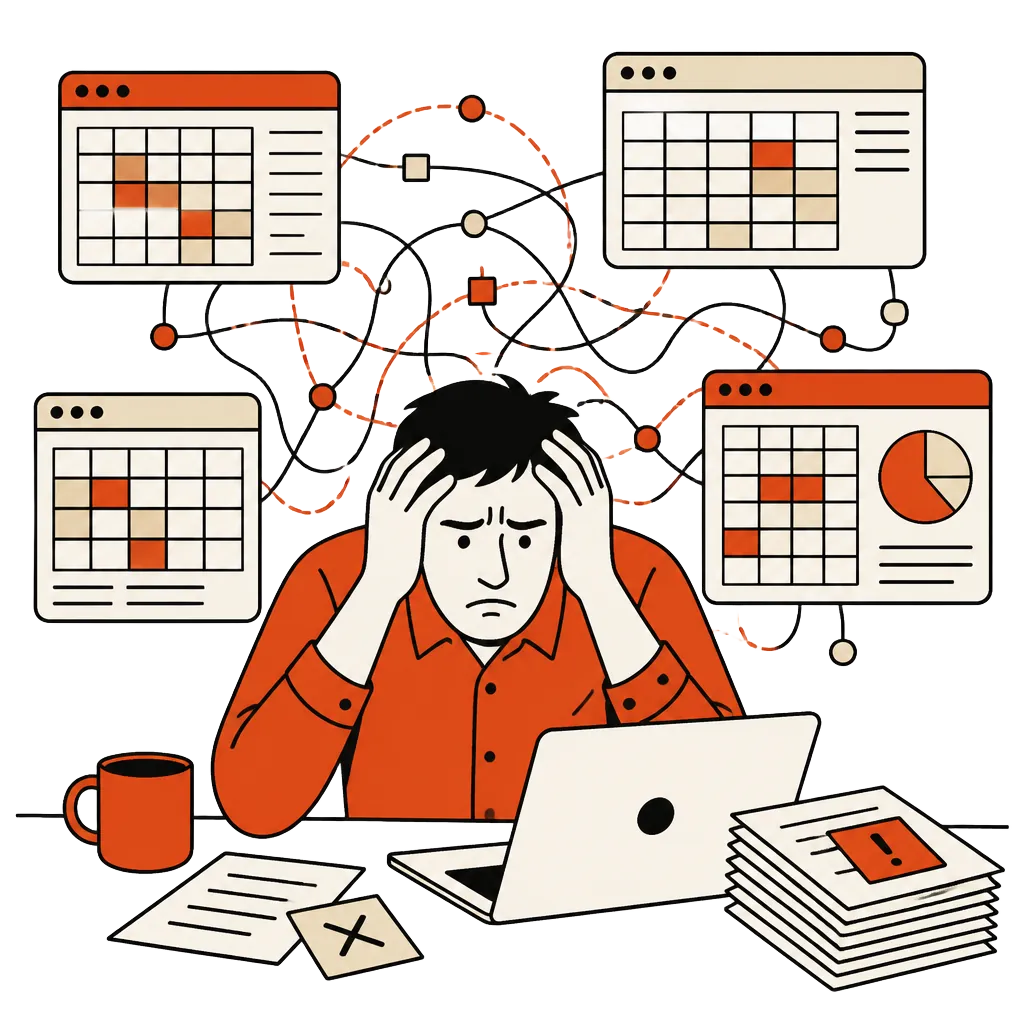
Nobody plans a site with forty plugins. It starts with one for contact forms, then one for SEO, one for caching because the site got slow, one for sliders because marketing asked, and one to fix the conflict between the caching plugin and the slider. Each install takes a minute and solves a real problem.
Three years later the dashboard has a badge that says eleven updates available, the homepage takes four seconds to paint on a phone, and nobody on the team can say which plugin prints the script that breaks checkout on Safari.
That is not a WordPress problem. WordPress is fine. It is a debt problem, and like most debt it was cheap to take on.
How the debt accrues
A plugin is someone else's code, running on your server, with access to your database. When you install one you are not buying a feature. You are taking a loan: the feature today, repaid over time in maintenance, performance and risk. The author sets the interest rate, and they can change it whenever they like, including by walking away.
The loan feels free because the repayments are spread thin. No single plugin makes the site slow. No single update breaks it. The cost only shows up in the total, and nobody is watching the total.
Where the interest goes
- Speed. Most plugins load their scripts and styles on every page, whether that page uses them or not. Forty small payloads add up to the slow Largest Contentful Paint that Core Web Vitals scores you on.
- Security. Vulnerable and outdated components sit on the OWASP Top Ten for a reason. Every plugin is an attack surface you did not write and cannot audit, and an abandoned one never gets patched.
- Update roulette. Updating is risky, not updating is riskier. So updates wait for a quiet week that never comes, and the gap between you and the patched version keeps growing.
- Lock-in. Your content ends up in shortcodes, page-builder markup and custom tables only one plugin can read. Remove it and the pages break. That is how a free plugin becomes a permanent tenant.
38 plugins, 11 untouched for a year
Scripts on every page
Updates nobody presses
4.2s LCP on mobile
The six features you use
Loaded only where needed
Zero update prompts
0.8s LCP on mobile
When to keep your plugins
We say this more often than you might expect. If your site is a brochure, you publish a post a month, and it is fast enough, keep it. Rebuilding a working marketing site to feel modern is paying for a new set of problems.
Keep well-maintained plugins that do commodity jobs with real depth behind them: backups, spam filtering, the payment gateway's own official extension. Those authors carry burdens you do not want.
And do not rebuild because of one bad plugin. Replace that plugin. Debt you can pay off in an afternoon is not a reason for a new build.
“The plugin you are scared to update is not a feature anymore. It is a liability with a settings page.”
The four signals
They tend to arrive together. When three or more are true, the stack is costing more than a build would.
- 01You delay updates because you do not trust what they will break.
- 02The site fails Core Web Vitals on mobile, and another caching plugin will not fix it.
- 03A feature that matters to revenue depends on a plugin nobody maintains.
- 04Your team spends more time managing plugins than publishing.

How we pay it down
We start with an audit: every plugin, what it does, which pages use it, when it was last updated, and what it costs in page weight. Most sites turn out to use six or seven things for real. The rest are leftovers, overlaps, and fixes for other plugins.
Then we build those features into the product, in code you own, loaded only on the pages that need them. Sometimes that means keeping WordPress as a headless CMS for the people who write, and sometimes it means leaving it. We migrate piece by piece, the strangler fig approach Martin Fowler describes, so the site keeps selling while it changes underneath.
The SEO travels with it. Every URL is mapped, redirected and checked against Google's guidance on site moves with URL changes, so the rankings you earned do not reset the week you launch. Infrastructure follows twelve-factor conventions, so you can host it anywhere, including away from us.
At handover you get the repository, the hosting in your own accounts, and a site with zero update prompts. See the four practices we ship together, or recent builds for how that has gone.
Run your own audit
Before you call anyone, us included, open the plugins page and write three columns: what each plugin does, when it was last updated, and what would break without it. Then run your homepage through PageSpeed Insights on mobile.
What it does
Last updated
What breaks without it
If the list is long, the dates are old and the score is red, you have your number. If it is short and green, keep your site and ignore this post. Either way you bought certainty for the price of an afternoon.